New article
Recently updated
Finding things on grids – made easier

There is an alternative for using the standard [Find] option to search on the data grid. On the right hand side of the [Pre-filters] (where appropriate) there is what looks like an empty filter drop down. In fact it is a selector for the string fields you would like to search:
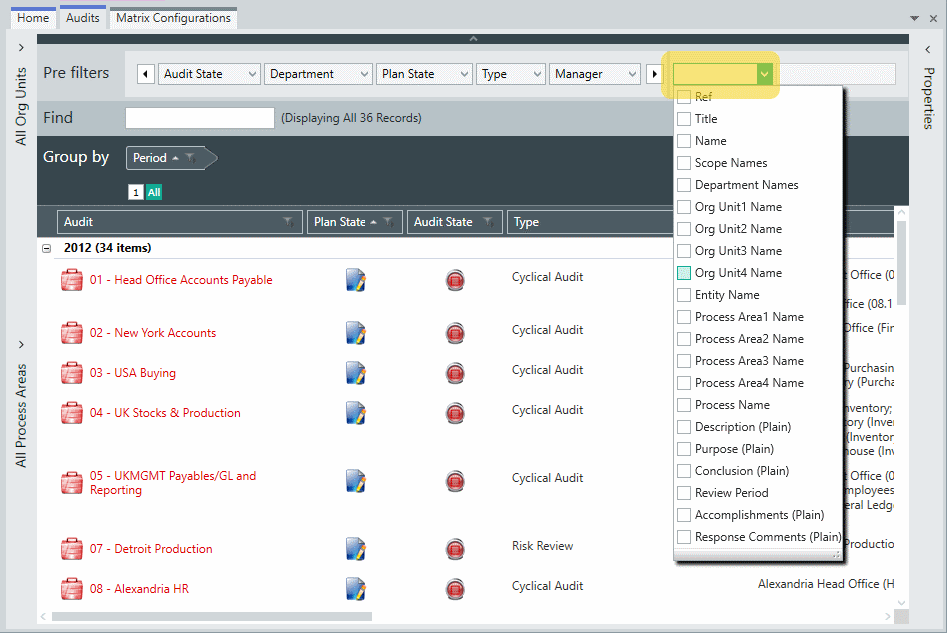
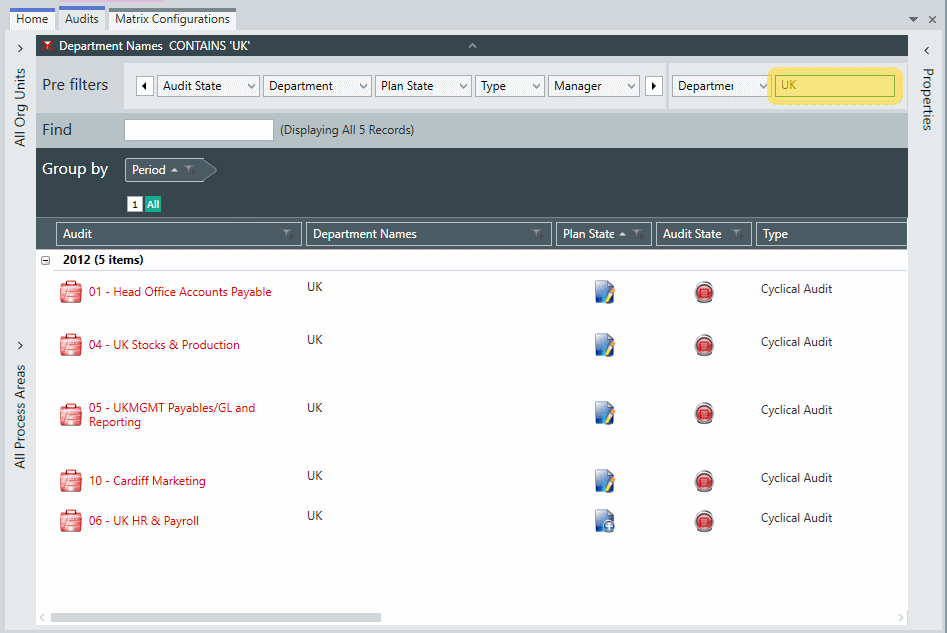
You can select one, more, or all, and type in the search string in the box to the right of the selector field. This can be much more efficient than the standard [Find], as it is done at the server level before downloading the records. It also searches fields that are not on the grid (the standard [Find] only searches fields on the grid).