


New article
Recently updated
Managing entity-process records

Who is this article for?
Administrators responsible for managing entity-process records.
Administrator access is required.
Entity-process records are automatically created when an entity is mapped to a process, allowing you to view attributes and attach files within the Entity Risk Register and Client Universe screens.
Creating entity-process records
When you map an entity to a process, the system automatically creates an entity-process record. You cannot add or delete entity-processes directly.
Viewing entity-process records
Risk register
The risk register within an entity can display a list of the entity's mapped processes.
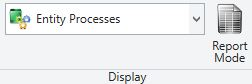
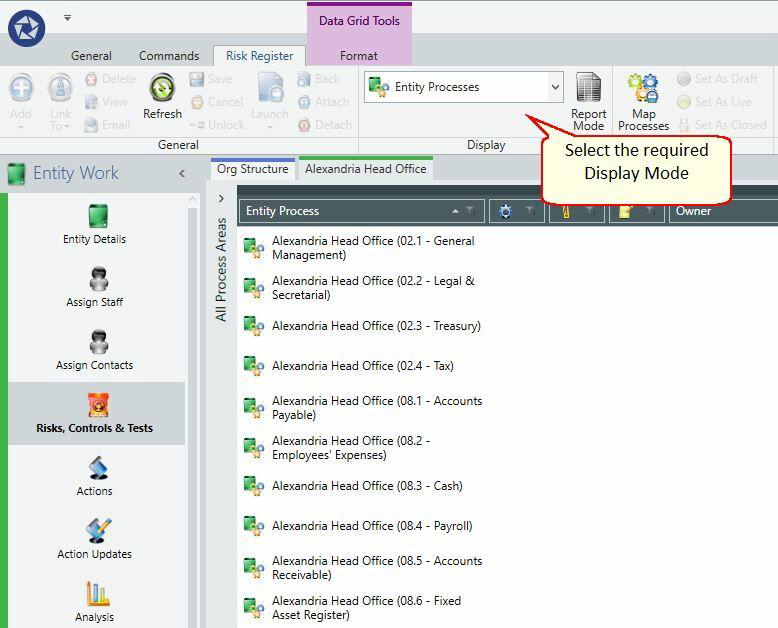
To view entity-process records, select Entity-Processes from the Ribbon.
The data grid displays a summary of Entity-Process records in the Entity-Processes display mode. You can capture details such as the Owner, Business Owner, and required Audit Frequency for each combination.
Configuring entity-process properties
You can configure the following properties for each entity-process record.
Definition tab
- Name (read only)
- Owner (set via a Staff dialogue window)
- Business Owner (set via a Contact dialogue window)
- Budget Effort (copied into an Entity-Process Period for planning when a Planning period is created)
- Audit Frequency (recorded in months)
Execution tab
- Comments – add comments about the Entity-Process
- Cross references – create links to related records within the system (analogous to hyperlinks)
Configuring audit frequency
You can optionally associate a suggested audit frequency with an entity-process. This frequency is recorded in months and indicates how often the entity-process should be audited.
The system uses the audit frequency attribute to create an audit plan within a planning period. The system can suggest audits for the audit plan based on this setting.