New article
Recently updated
Using the context information window

Who is this article for?
Users who need help navigating the system.
No special access or permissions are required.
The context information window provides a powerful way to navigate through the system and view related records.
Accessing the context information window
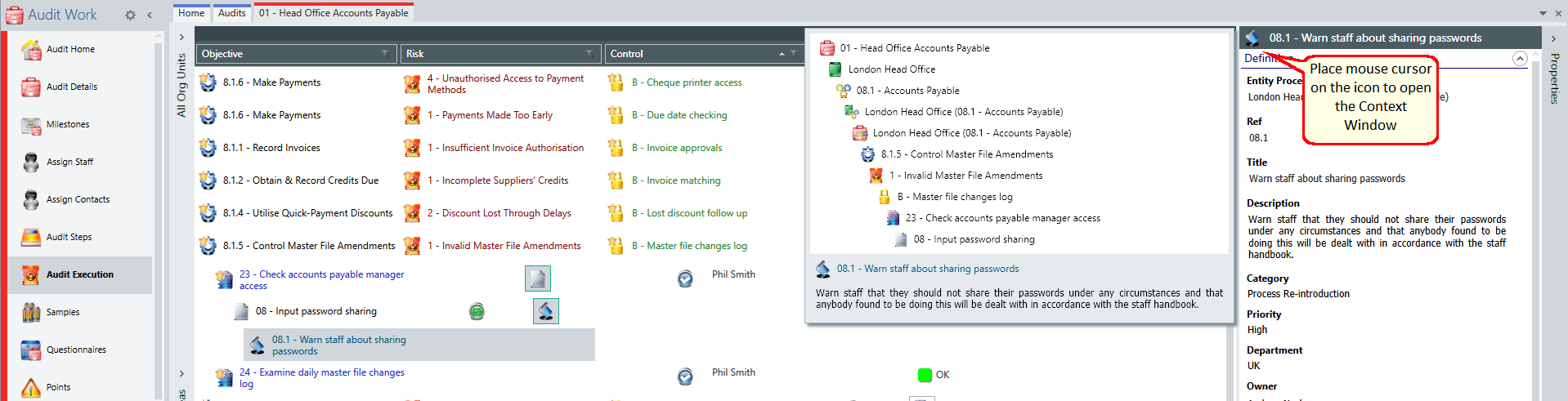
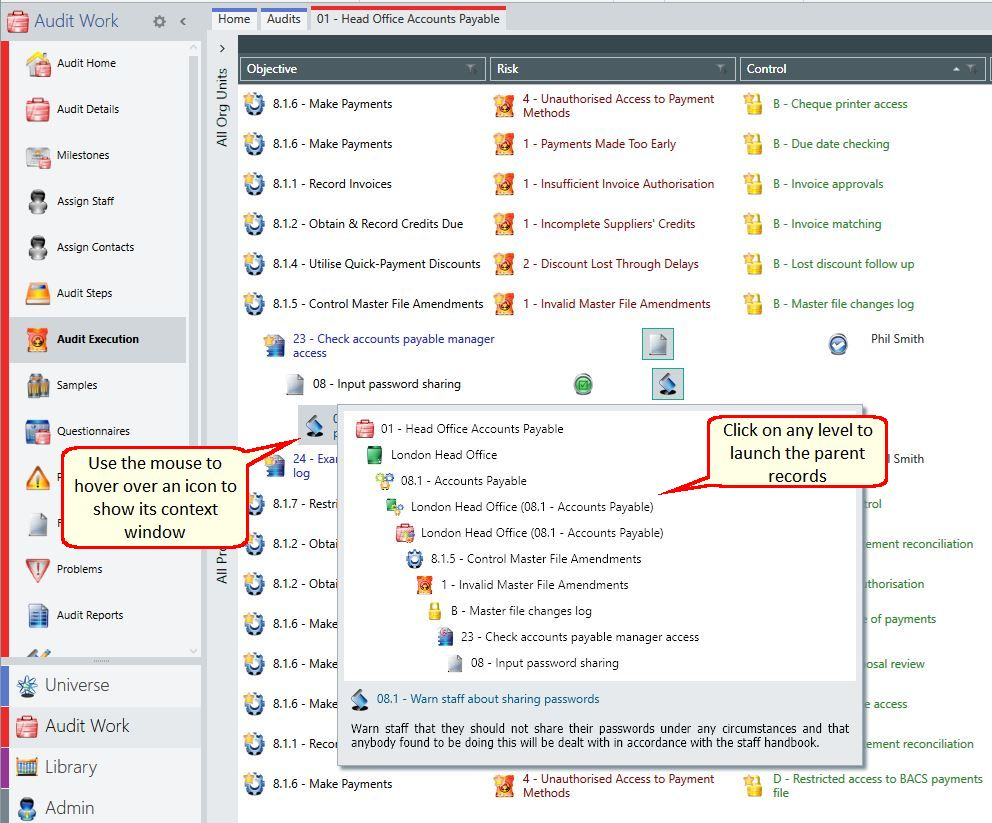
To access the context information window, place your mouse over an icon on a Data Grid.
The context window displays, showing a child/parent summary or related records.
Navigating using the context window
To navigate to an item, select the item from the context information window.
To keep the context window open, move your mouse cursor inside the window.
For example, when you select an action icon, the window displays its finding, test, control, risk, objective, process, audit and entity.
Viewing parent information
You can use the context window to display an item's parents in the parent information section.