New article
Recently updated
Using report mode

Who is this article for?who need to report mode.
No special access or permissions are required.
Report mode allows you to view parent and child record information together in a single data grid, making it easier to analyse relationships between records.
Accessing report mode
The Ribbon displays a Report Mode icon on appropriate screens. Report mode is off by default, but you can change this setting and save it as a View.
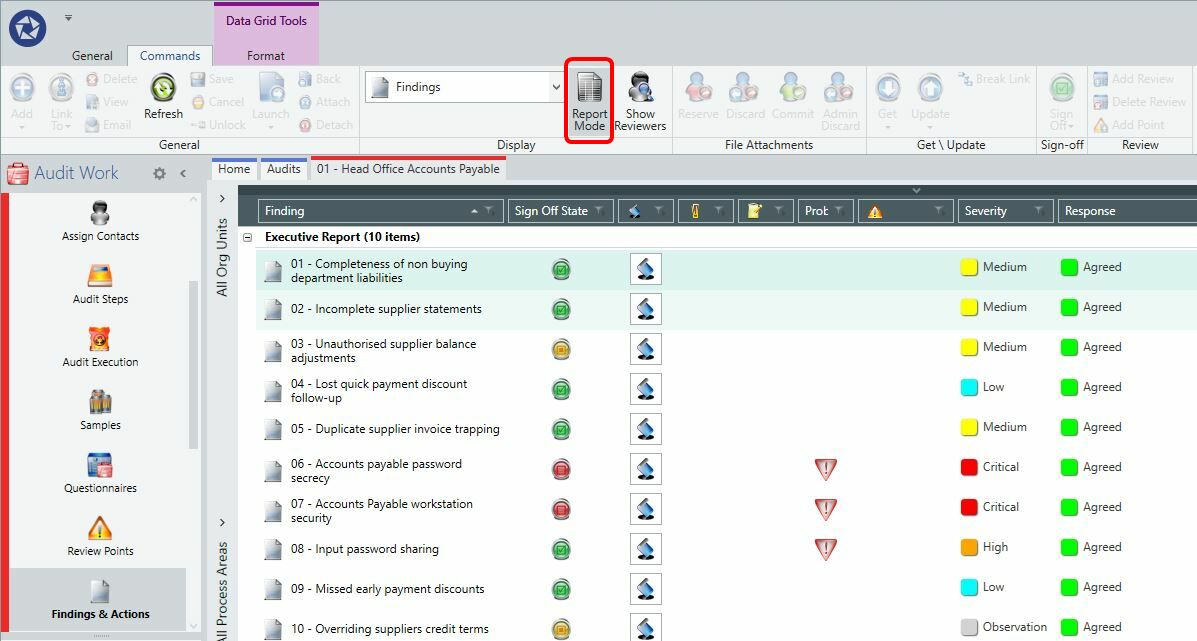
Report Mode
Understanding report mode behaviour
When report mode is active, the data grid:
- Disallows edits (the properties panel is hidden)
- Generates a left-join type query and displays records in the data grid
- Makes all fields from child records selectable from the Data Grid Column Picker
Viewing parent and child records together
Report mode displays parent information alongside child records on the same row. For example, if an audit contains six findings, five of which each have two child actions:
- Findings Mode shows six rows (one per finding)
- Actions Mode shows 10 rows (one per action)
- Report Mode shows 11 rows (one per action plus the finding with no action), with parent finding information displayed on each action row
Selecting child item columns
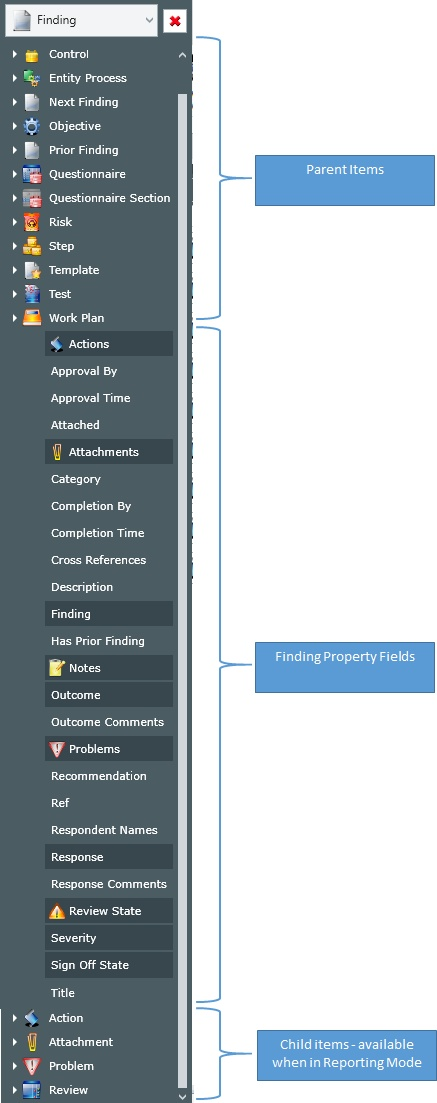
The Data Grid Column Picker in report mode displays additional child items.
Data Grid Column Picker in Reporting Mode
Data Grid Column Picker |
For a finding, the child items are shown as:
|