New article
Recently updated
Wrapping column headers and showing child grid headers

Who is this article for?who need to wrap columns and grid headers.
No special access or permissions are required.
You can customise how column headers display in data grids by wrapping text to fit column widths and showing headers in nested child grids.
Showing child grid headers
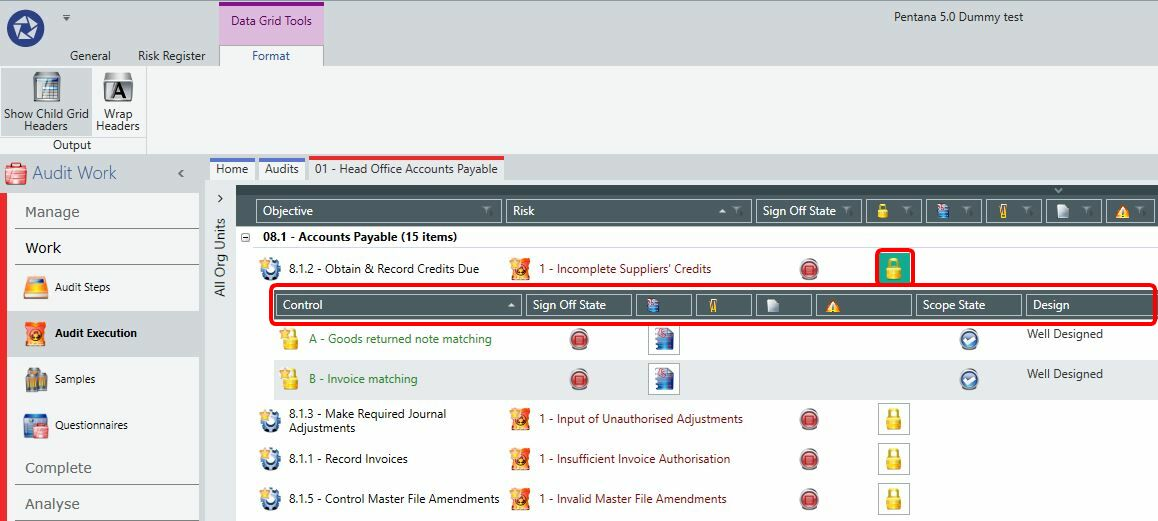
You can modify the nested child grids on the data grid using the Show Child Grid Headers option on the Format tab in the ribbon.
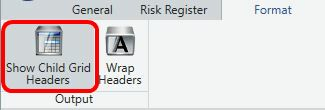
The child grid headers can be manipulated in the same way as standard column headers. Use the view functionality to ensure your changes are saved.
Wrapping column headers
To wrap column headers:
- Go to the Format tab in the ribbon.
- Select Wrap Headers.
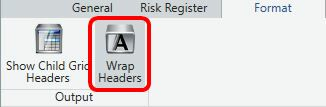
Pentana automatically scales the column headers to fit the column width. With Wrap Headers enabled, the column headers resize automatically.