


New article
Recently updated
Producing outputs

Who is this article for?
Users working with reports.
No special access or permissions are required.
The Ideagen Internal Audit menu allows you to quickly export on-screen data into a presentable format.
Understanding output options
Pentana provides three main options for producing outputs from your data:
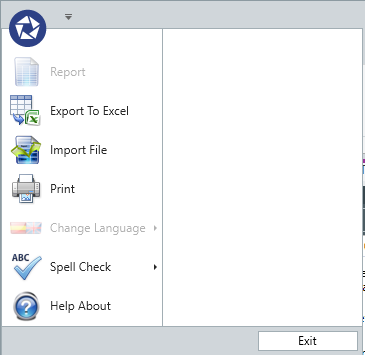
- Report - provides access to the available library of reports
- Export to Excel - exports any Data Grid or Properties Panel to an Excel spreadsheet, allowing you to manipulate the data away from the main system
- Print - prints the screen where available
Configuring report headers and footers
Report Header
A report header appears on a document if the screen is configured with a View. The value is set in the View properties as report title and displays as the header on the first page of the report. If the view has no report title, no header is shown.
Report Footer
The report footer currently contains the date and page number.