New article
Recently updated
Exporting an audit as read-only

Who is this article for?who needs to know about exporting audits.
Audit level permissions are required.
You can export an entire audit as a read-only sandbox to share with external parties, such as regulators, for verification purposes.
Understanding read-only exports
The Export Read-Only function exports the audit data together with the user interface, creating what is called a sandbox.
The sandbox is read-only and cannot be synchronised back into Pentana.
Note: Any reviews or points within the audit will not be exported.
Key characteristics of sandboxes
- The export can only be performed by a user who is authorised to read that audit
- The sandbox will only contain audit data where the user was authorised to read the records (for example, if they can only read assigned tests, then only these will be included)
- The sandbox will treat the end user the same as the user who produced it
- The sandbox will be created once and the population is a one-time process which can be repeated independently (it is not possible to add another audit to a sandbox at a later date)
- A sandbox may contain multiple audits if selected together
Exporting an audit as read-only
To export an audit:
- Select the audit(s) you want to export.
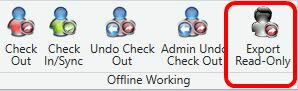
- Click Export Read-Only.
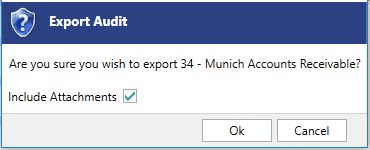
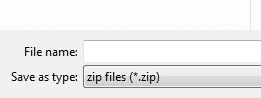
- Confirm the end location for the sandbox.
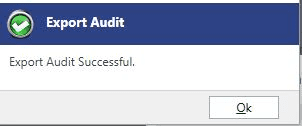
The sandbox will be zipped as a single file to allow it to be easily distributed.
Running an exported audit
To run the exported audit(s):
- Extract the zip file into a folder.
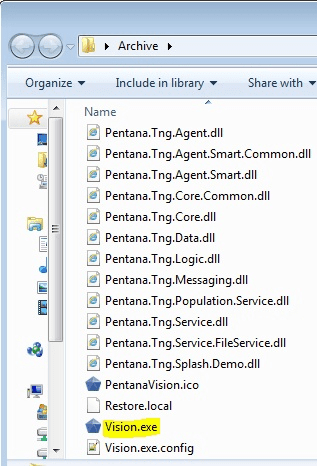
- Run the
Vision.exefile.