


New article
Recently updated
Viewing login activity

Who is this article for?
Administrators looking to monitor login activity in the system/
Administrator permissions are required.
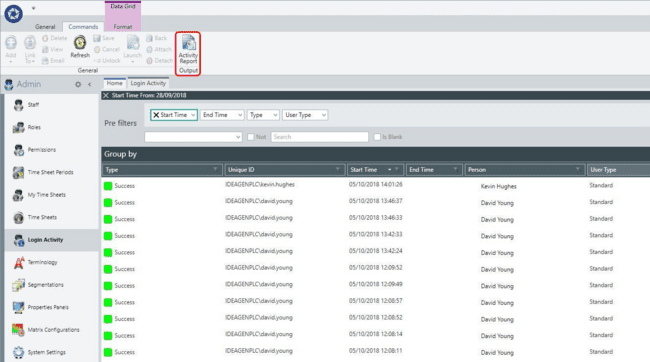
The Login Activity provides a read-only summary of dates and times when users have accessed the system.
Accessing login activity
By default, the Login Activity displays the last seven days of information, which you can modify using the pre-filters.
Pre-filters in the expander bar include:
- Type (Success / Fail)
- Unique ID
- Start Time
- End Time
- Person
- User Type
Generating an activity report
You can create an Activity Report from the ribbon for analysis if required. This summary sheet includes Name, Active, Unique ID, Active, Count, Hours, Open, and Last Login.