


New article
Recently updated
Resolving SSO login success error after Windows update

Who is this article for?
Users.
No special permissions are required
This article explains a known error that appears when logging in using Single Sign-On (SSO) via Security Assertion Markup Language (SAML) after a recent Windows update.
Understanding the error
After submitting your credentials during SSO login, you may see a "Success" dialogue containing the following error message:
- Error: Unknown runtime error
- Code: 0
- URL: https://tenant.ideagenpentana.com/PentanaPRD/SamlMvc/SSO/Success
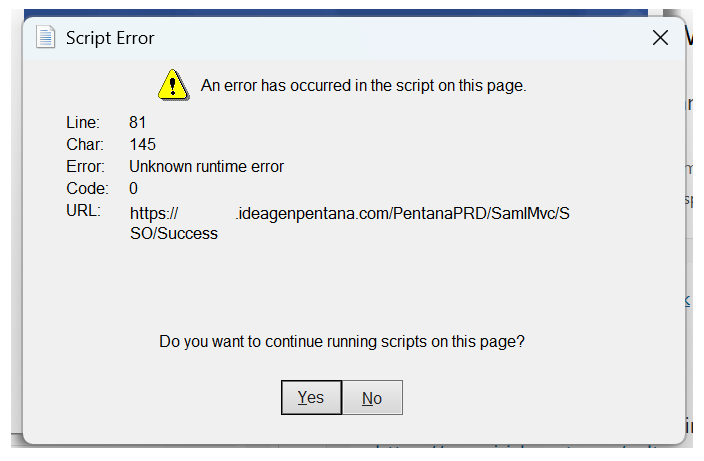
This error appears after you have successfully logged in, and you can continue to use Pentana as normal despite the message.
Identifying the cause
The issue is caused by a recent Windows update. We are currently investigating a resolution.
Note: This error does not prevent you from accessing or using Pentana. You can safely close the dialogue and continue working.